> For the complete documentation index, see [llms.txt](https://wiki.tribute.top/llms.txt). Markdown versions of documentation pages are available by appending `.md` to page URLs; this page is available as [Markdown](https://wiki.tribute.top/for-content-creators/donations/how-to-create-a-donation.md).
# How to create a donation
How to create a donation in Tribute step by step: name and description, button text, cover, currency, default frequency, minimum amount, payment methods — and how to share it.
Receiving donations requires a verified creator account.
1. Open the Creator Dashboard in the [Tribute bot](https://t.me/tribute).
2. Tap **Donations and Goals**.
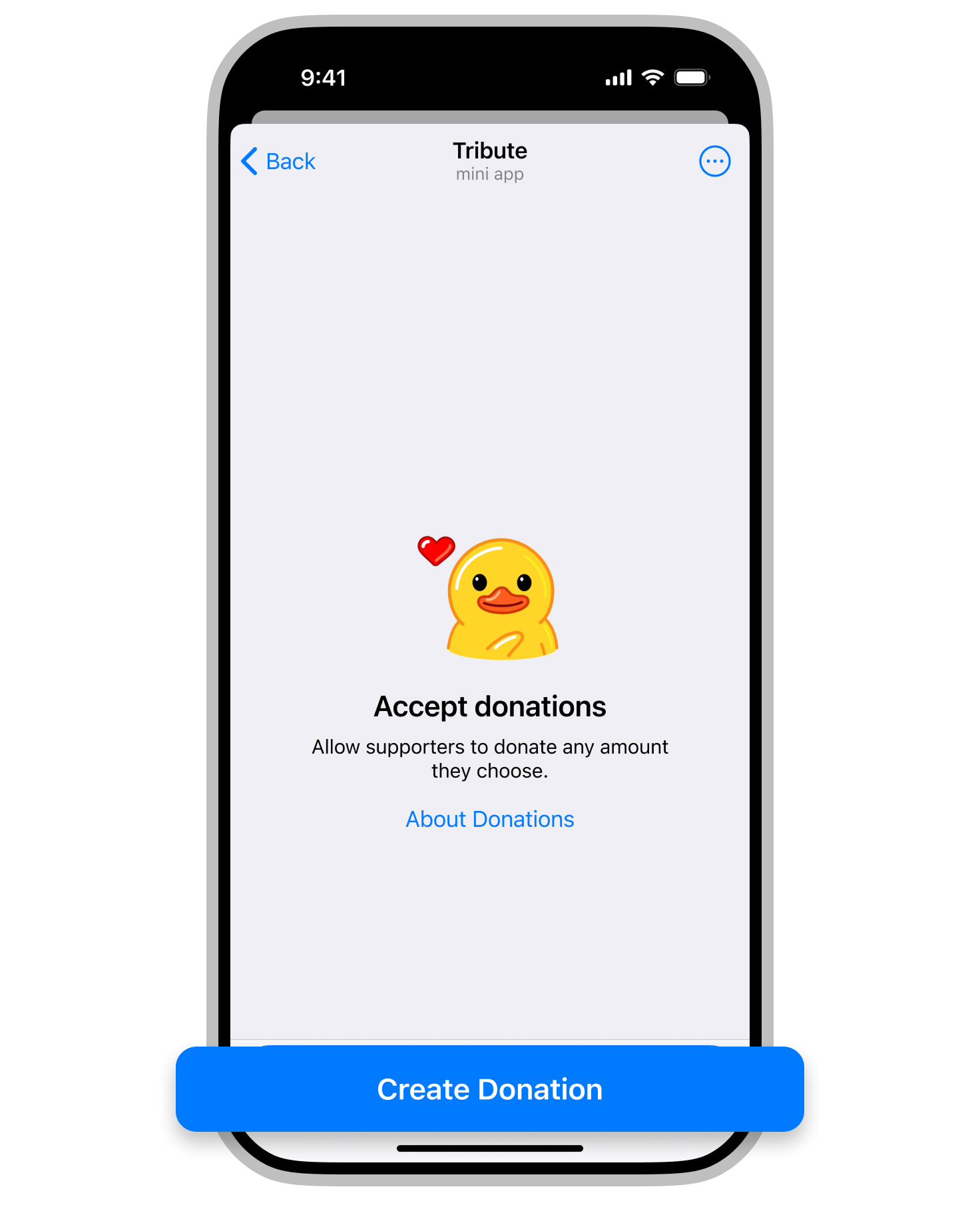
3. Tap **Accept Donations** (or **Create Donation**). If you already have donations, open **Donations** and tap **Create**.
4. Step 1 of 2 — the look of your donation:
* **Name and Description** — a ready-made text is suggested; edit it to say how donations help your content (name up to 50 characters, description up to 300).
* **Button Text** — the button that opens the donation form, for example *Donate* (up to 20 characters).
* **Cover** — keep the suggested image or upload your own.
Tap **Continue**.
5. Step 2 of 2 — payments:
* **Currency** — USD, EUR or RUB. Available currencies depend on the selected payment methods.
* **Default Frequency** — the option preselected in the donation form: one-time, weekly, monthly or yearly. Supporters can choose another one.
* **Minimum Donation Amount** — optional; must be within the [limits](/for-content-creators/fees-limits-currencies.md).
* **Payment Methods** — bank cards, Wallet Pay or all.
6. Tap **Create**.
7. Share the donation. On its page tap **Share** to post it to a channel or group, or **Copy Link** to get a Telegram link and a web link. **How to Share** shows all the options. You can also set up [automatic posting](/for-content-creators/automatic-posting-for-subscriptions-and-donations.md).
Later you can edit the donation, view its transactions or delete it from the same page.